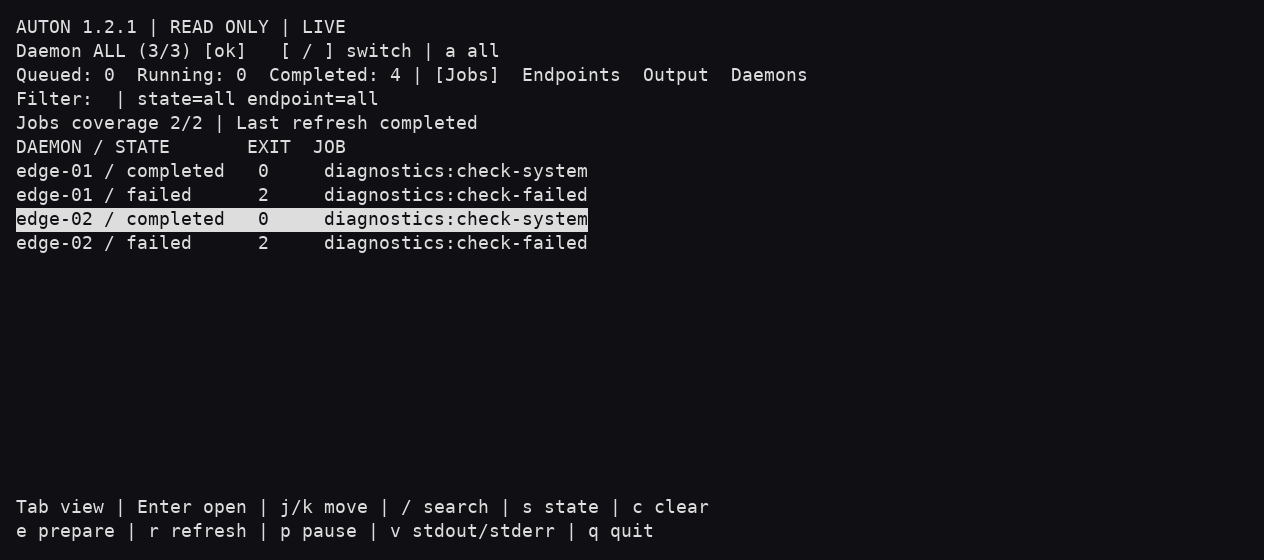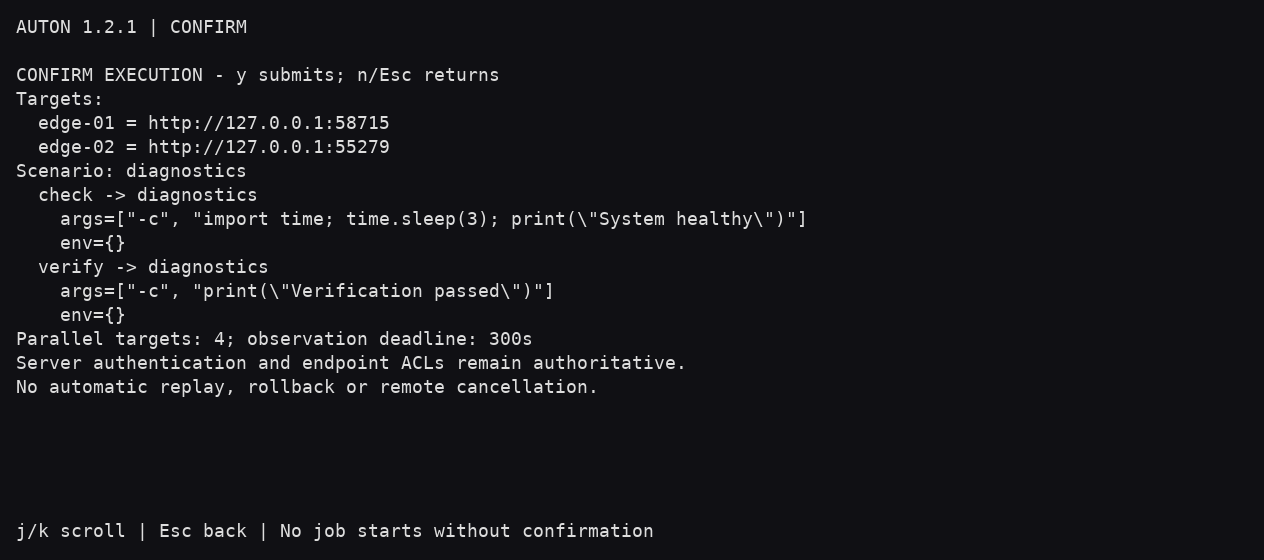

Textual terminal interface
The Textual interface uses a turquoise and orange palette with DWho 0.3.66 or newer. Navigation, tables and dialogs share the product colors. Labeled status colors remain consistent across products: blue acceptance, violet in progress, green success, amber warning or uncertainty, and red failure.
Install the optional terminal interface and select it explicitly. The existing curses interface remains available.
python -m pip install 'auton[textual]'
auton --tui --tui-ui textual -c inventory.yml
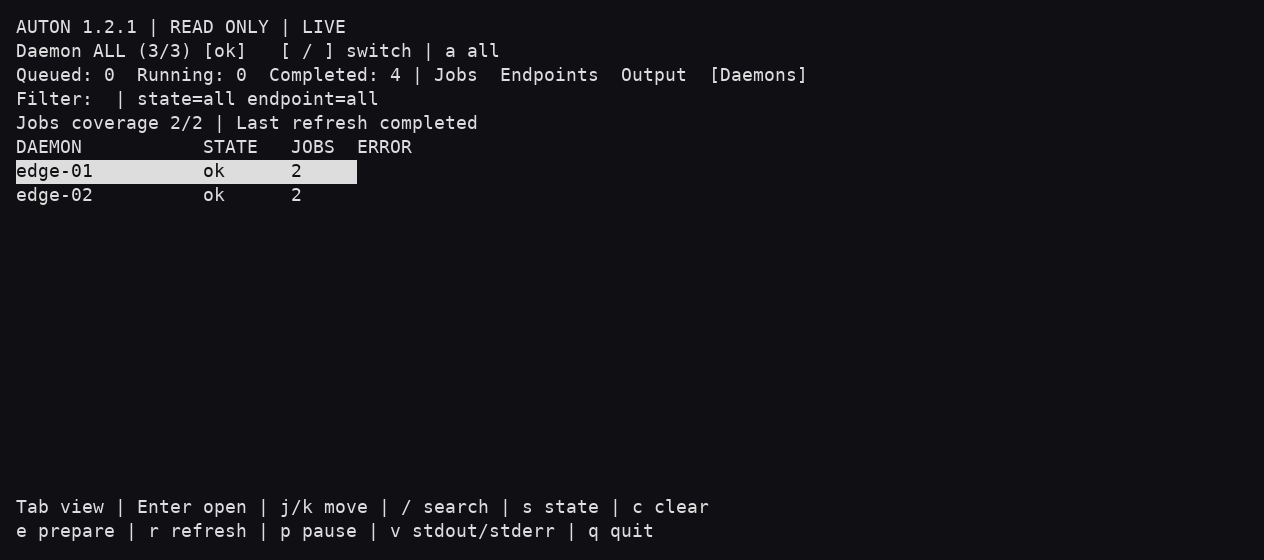
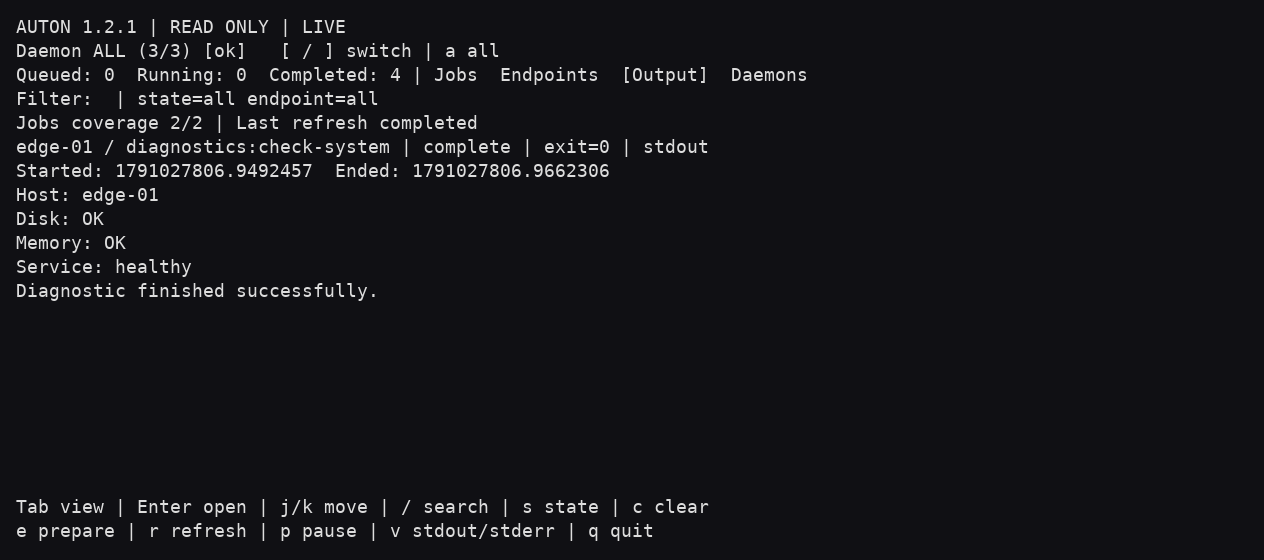
Jobs, endpoints, stdout/stderr and daemon views share a searchable table and a scrollable detail panel. Enter opens a job output or filters jobs by endpoint. [ / ] switch daemons; a switches between one daemon and all daemons. s cycles job states, c clears filters, r requests refresh, p pauses refresh and v switches stdout/stderr.
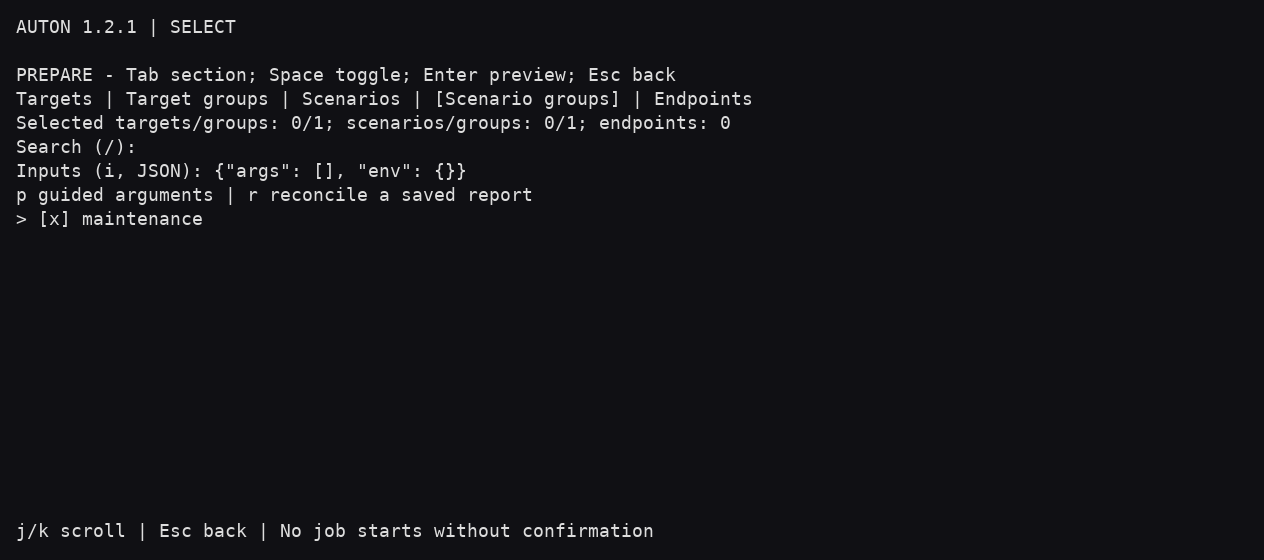
Press e to open operation preparation. Select targets or target groups and either scenarios/scenario groups or one endpoint. Nothing is preselected for execution. Use JSON inputs for args/env or Guided arguments for a consistent published endpoint parameter schema. Preview execution shows the exact plan and ordered failover destinations. Only Submit operation starts it; Cancel does nothing.
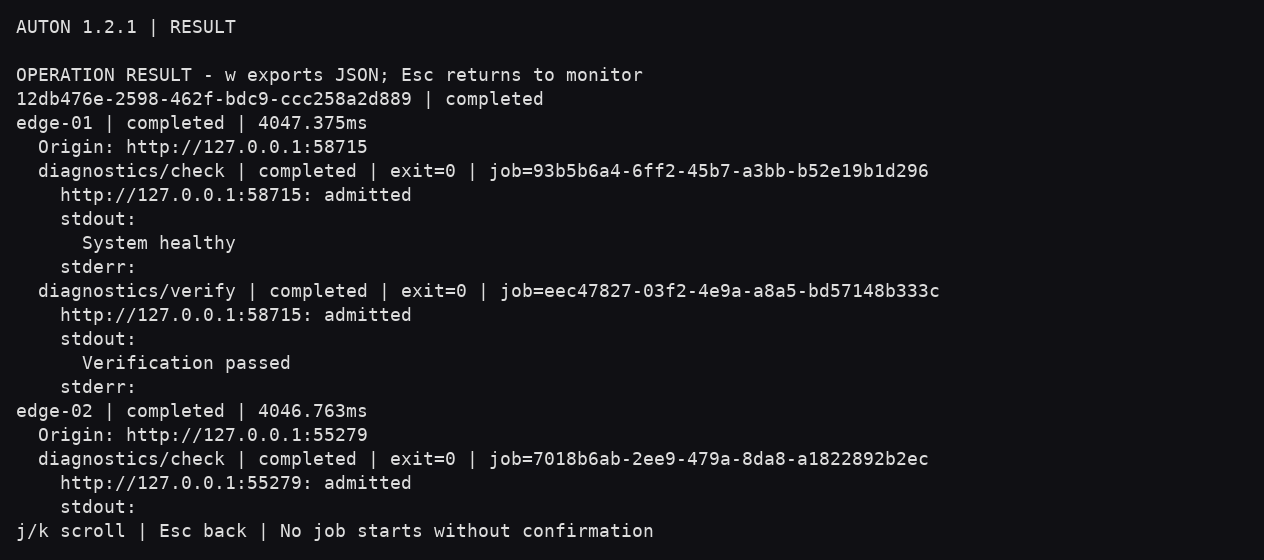
Progress distinguishes queued, running, completed, rejected and unknown outcomes. Stop observation does not cancel remote jobs. Wait for in-flight requests before closing. Results show each target, scenario step, job ID, output and attempts. Export result creates a new JSON file and never overwrites an existing file. Read saved jobs reconciles a saved report against explicitly selected trusted targets; it does not resubmit jobs or continue scenarios. New preparation returns to selection; unknown outcomes must be inspected before any manual replay.
Authentication, TLS, target selection, server ACLs and execution limits use the same client/application services as the CLI and curses. The display bounds text at 65,536 characters; exported results retain the service’s original output limits.
/ focuses search, Escape clears it, and q quits. Resize to at least 80 by
24; 120 columns or more gives the detail panel more room. States have explicit
text as well as color. An accepted or running request is not labelled successful.
Offline demonstration
python -m auton_client.textual_demo
This opens the actual interface with labelled synthetic fixtures. It connects to no service and executes no real command. Auton operation results are simulated locally. Screenshots generated from it are demonstrations, not production observations or deployment evidence.
See the contributor validation and media guide for tests and capture generation.
Screenshots
Examples with synthetic data. Click a screenshot to enlarge it; use the arrow keys to browse and Escape to close.